

Microsoft Project
Our Project articles below clearly and simply how to use specific aspects of Microsoft Project that we also cover in our Project training courses.
AllManagementMicrosoft CopilotMicrosoft ExcelMicrosoft Power AutomateMicrosoft Power BIMicrosoft PowerPointMicrosoft ProjectMicrosoft SharePointMicrosoft WordNewsPresentation SkillsSQLTime Management
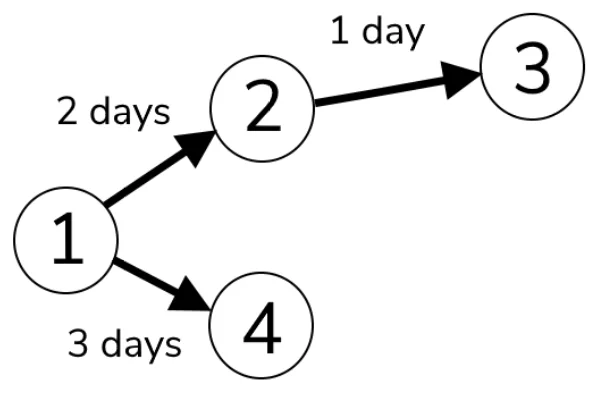
What Is A PERT Chart & How To Use Them!
Mapping out a big project can be a huge challenge. With so many details to work out and schedules to work around… You need a PERT Chart! They visually represent a project’s task, dependencies and estimated time. PERT Chart In…

Microsoft Project – Beginner Training
Who hasn’t had a project delayed because of an unforeseen dependency or delay? This then ripples out to the delivery of all of the related parts of the project causing chaos, if you’re not on top of things. As the old…

Microsoft Project Schedules – Complete Guide
Microsoft Project provides a comprehensive approach to scheduling. It allows you to plan and manage your projects efficiently. You can create detailed schedules that outline tasks, deadlines, and resources, helping you to stay on track. So, whether you’re a seasoned…
Learn Project Views [Quick And Simple!]
Deadlines, resources, dependencies… It can all become overwhelming pretty quickly! That’s where Microsoft Project comes in. With its powerful project management tools, it’s a go-to choice for professionals across a wide range of industries. And one of the key features…
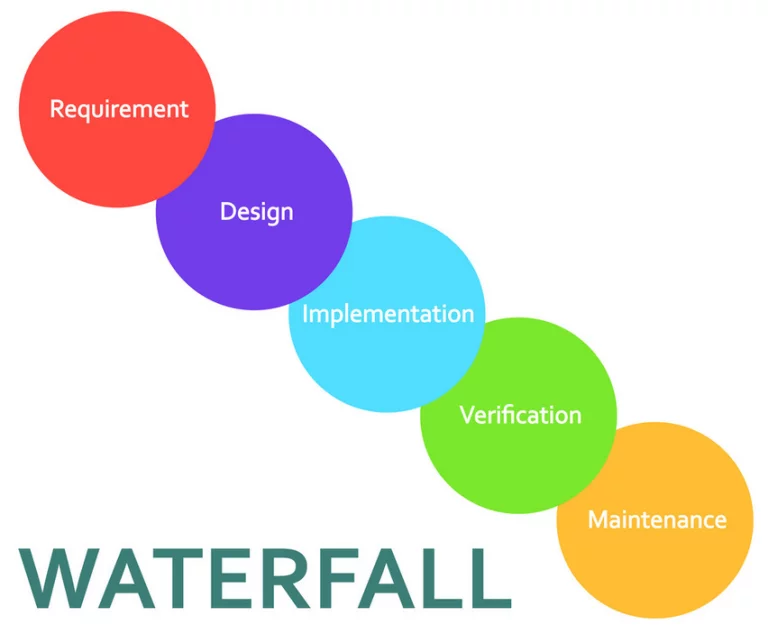
Using The Waterfall Methodology (5 Minute Guide!)
The waterfall methodology is a popular project management approach widely used in the business world. This method involves breaking down the project into sequential steps or phases. Then moving through these steps simultaneously in a linear manner to prepare a…
Microsoft Project File Extensions – Master Guide!
When you save a document in Microsoft Project, you can select all types of File Extension. Wondering what all those file extensions mean? Microsoft Project can be a little confusing. But don’t worry, we’re here to help! You’ve probably noticed…
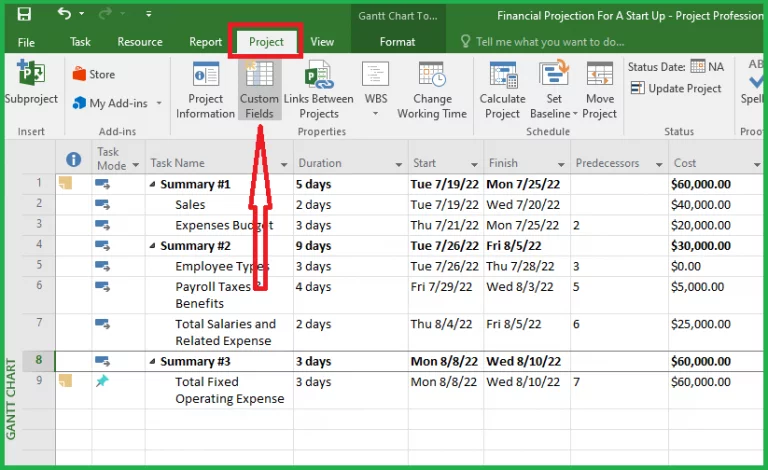
Save Your Project Using Risks And Contingencies!
Worried about the risks involved in your next project? Risk is an inherent part of any project. No matter how well you plan or how experienced your team is, there’s always the potential for something to go wrong. That’s why…

Critical Path Analysis And You! Microsoft Project
Without critical path analysis, you can’t identify which tasks need to be completed first in order to meet a project deadline. Imagine if you were working on a project and didn’t know which tasks needed to be completed first. You…
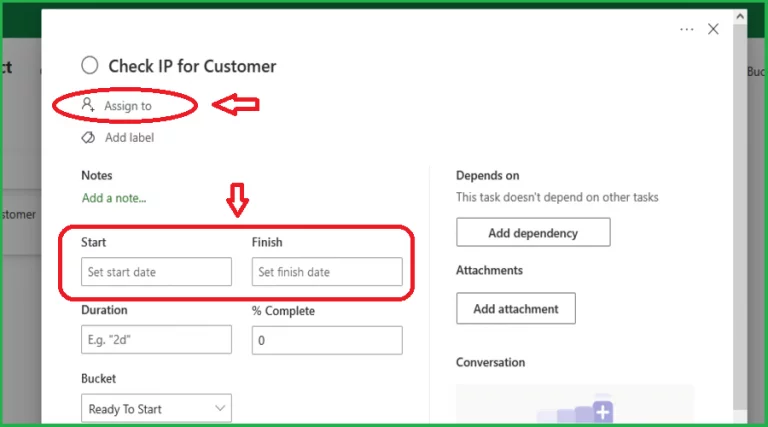
Make Your Own Kanban Board in Microsoft Project!
Kanban boards are a popular way to visually manage work, and Microsoft Project now has kanban board support built-in! You can use Kanban boards for any project, from simple to-do lists to complex workflows. For more information on how to properly take advantage…

Microsoft Project – Pros and Cons!
Microsoft Project, is it worth it? Should you learn it? What does a professional training company think? Well project management and Microsoft Project go hand in hand, and we think project management is an incredible skill that can help people…
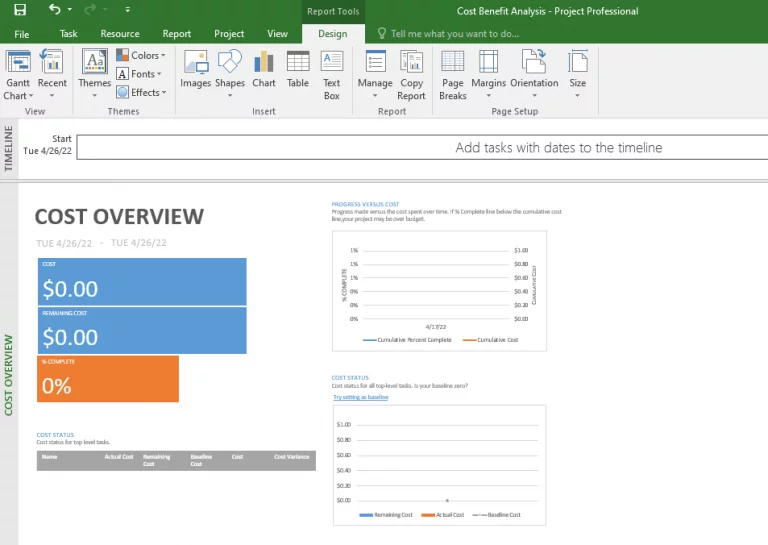
Master Cost-Benefit Analysis In Just 4 Minutes! – Microsoft Project
When working on a project, you must make crucial decisions. Project management attempts to: Keep costs low and obtain the highest return on investment and other advantages for their organization or business. All they require is a cost-benefit analysis (CBA)…
- Facebook: https://www.facebook.com/profile.php?id=100066814899655
- X (Twitter): https://twitter.com/AcuityTraining
- LinkedIn: https://www.linkedin.com/company/acuity-training/