

Microsoft SharePoint
Our SharePoint articles below clearly and simply how to use specific aspects of Microsoft SharePoint that we also cover in our SharePoint training courses.
AllManagementMicrosoft CopilotMicrosoft ExcelMicrosoft Power AutomateMicrosoft Power BIMicrosoft PowerPointMicrosoft ProjectMicrosoft SharePointMicrosoft WordNewsPresentation SkillsSQLTime Management

How to Share Your Files And Folders With SharePoint!
You may wish to share particular files or folders with users who do not usually have access to the site. The files you save on your SharePoint site are typically accessible to anybody with site rights. You may choose to…
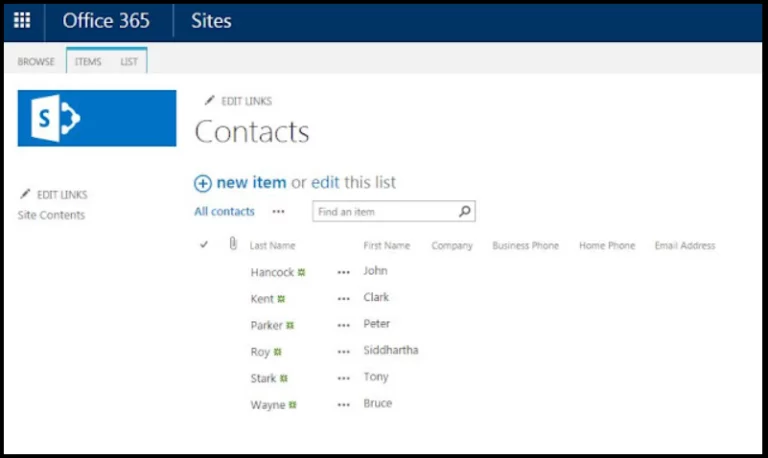
A Complete Guide To SharePoint Lists
Microsoft added SharePoint Lists to the 2016 version of Microsoft SharePoint. They are designed for tracking and managing data and look similar to spreadsheets. For many applications, for example, displaying data when tracking software bugs or a task list, a…
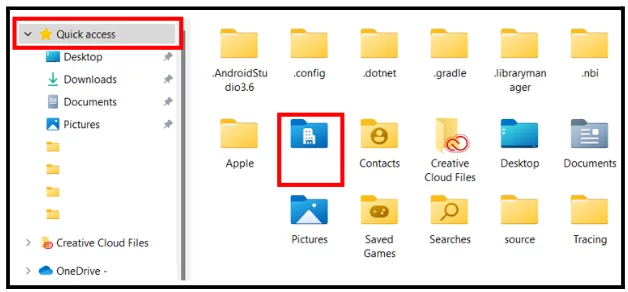
Sync SharePoint To OneDrive (5 Minutes!)
OneDrive can sync files from SharePoint site libraries to your PC so you can work with them directly in File Explorer. This allows you to access them even when you’re not connected to the internet. Any modifications performed by you…
Add SharePoint To File Explorer – Quick Guide!
For rapid collaboration based on documents and files, Office 365 has an online service called SharePoint Online. However, many users still like using local file explorer to edit documents saved in SharePoint. To have rapid access to the files, you…

SharePoint Permissions & Inheritance – Explained!
You must understand SharePoint permissions and group levels if you want to build a secure SharePoint intranet. Having a good handle on your groups and permissions may greatly help your site. If you want a comprehensive course for any skill…
- Facebook: https://www.facebook.com/profile.php?id=100066814899655
- X (Twitter): https://twitter.com/AcuityTraining
- LinkedIn: https://www.linkedin.com/company/acuity-training/