

Microsoft Word
Our Word articles below clearly and simply how to use specific aspects of Microsoft Word that we also cover in our Word training courses.
AllManagementMicrosoft CopilotMicrosoft ExcelMicrosoft Power AutomateMicrosoft Power BIMicrosoft PowerPointMicrosoft ProjectMicrosoft SharePointMicrosoft WordNewsPresentation SkillsSQLTime Management
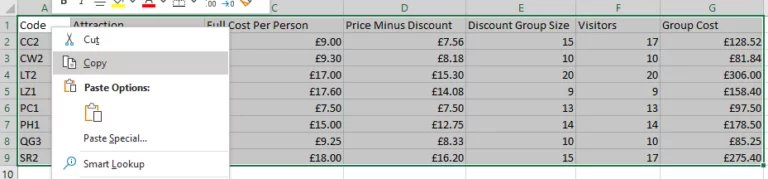
Insert An Excel Chart In Word – Just 2 Steps!
Inserting your Excel Chart straight into Word will make your document This tutorial will show you how to insert your Excel Chart straight into a Word Document. This will work with Excel charts and tables. Most importantly, when you change…
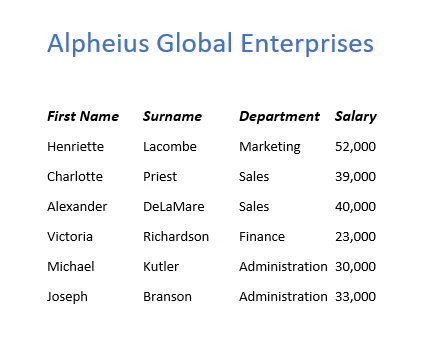
Converting Text Into A Table [Word Guide]
Converting Text Into A Table format can help you better organise your data for people reading it. It also allows you to easier transfer your data between Word and Excel, making it great for any user of both. If you…
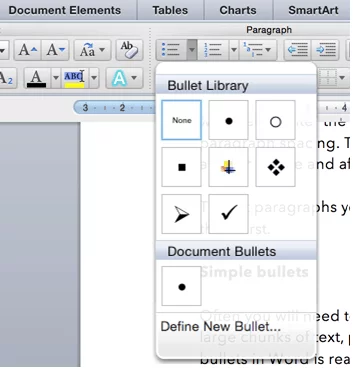
Master Your Paragraph Formatting [Word Skills]
Need to neaten up your Word documents? Luckily for you, we know just the trick! Follow our guide below on how to carry out simple paragraph formatting tasks in Word, such as text alignment, line spacing, paragraph spacing and bullet…
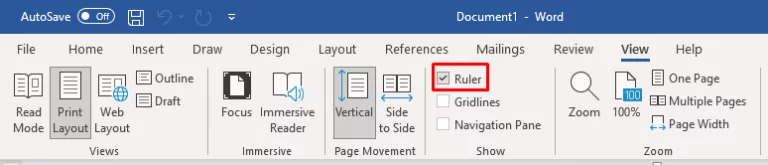
Ruler And Paragraph Marks Explained [Word Guide]
Although some people use the space bar to format their documents, things rarely line up correctly. Whilst this may be okay for informal documents, if you are creating professional documents like reports and brochures, you will want to make sure…
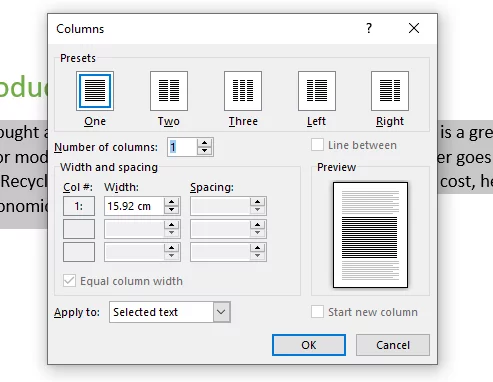
Word Columns For A Newsletter – Quick And Easy
Columns are a great way to format your text in a unique way in Microsoft Word and an important part of your document. When creating a Word Document, attention must be paid to making your text accessible and are used…
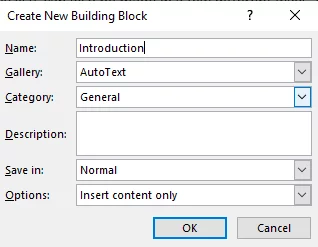
Create & Use Building Blocks In Word [3 Methods!]
When using Microsoft Word, there will be times you want to re-use a certain picture or text in different documents. There is a handy tool where you can save the content you want to re-use. This is known as a…
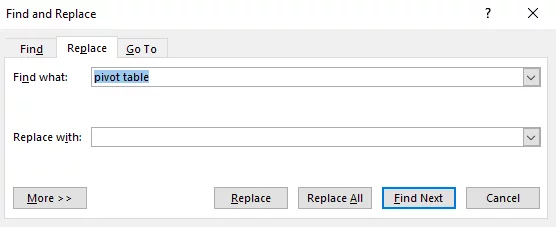
Discover Find And Replace in Word!
Although you can easily navigate through Word documents with your keyboard and mouse, if you’ve got pages and pages to scroll through, it can take quite a while. What’s even more time consuming is when you realise you need to…
- Facebook: https://www.facebook.com/profile.php?id=100066814899655
- X (Twitter): https://twitter.com/AcuityTraining
- LinkedIn: https://www.linkedin.com/company/acuity-training/