

Microsoft Power Automate
Our Power Automate articles below clearly and simply how to use specific aspects of Power Automate that we also cover in our Power Automate training courses.
AllManagementMicrosoft CopilotMicrosoft ExcelMicrosoft Power AutomateMicrosoft Power BIMicrosoft PowerPointMicrosoft ProjectMicrosoft SharePointMicrosoft WordNewsPresentation SkillsSQLTime Management

The Most Effective Ways To Learn Power Automate
Power Automate is one of Microsoft’s most unique tools. It allows users to streamline repetitive tasks, integrate services, and automate workflows across applications. But for those new to automation, it can be totally overwhelming. Fortunately, there are many ways to…

Power Automate In 2025 – Should You Learn It?
In 2025, automation is no longer just an extra tool some companies have. It’s everywhere. With businesses under pressure to become more efficient and streamline operations, tools like Microsoft Power Automate have become central to workplace productivity. We are strong…
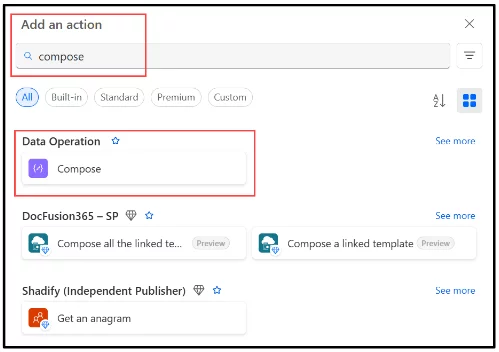
Mastering Data Operations in Power Automate
Power Automate is an incredibly powerful tool for automating workflows: Especially when it comes to managing and transforming data. Whether you’re integrating data from Excel, SharePoint, or third-party APIs, understanding the core data operations is essential for building efficient, scalable…
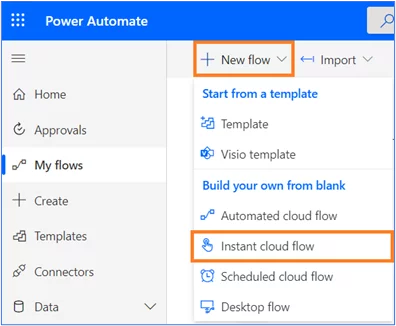
[Ultimate Guide] Approvals In Power Automate
An approval process is a sequence of steps involved in officially validating work and is done by a certain predefined authority. It may involve multiple stakeholders across different departments and is an integral part of every organization. Automating the approval…

All About Power Automate Triggers
Power Automate flows are used to automate or perform a set of actions with minimum human intervention. There will always be a specific situation or condition that needs to be met before we want the flow to start its execution.…
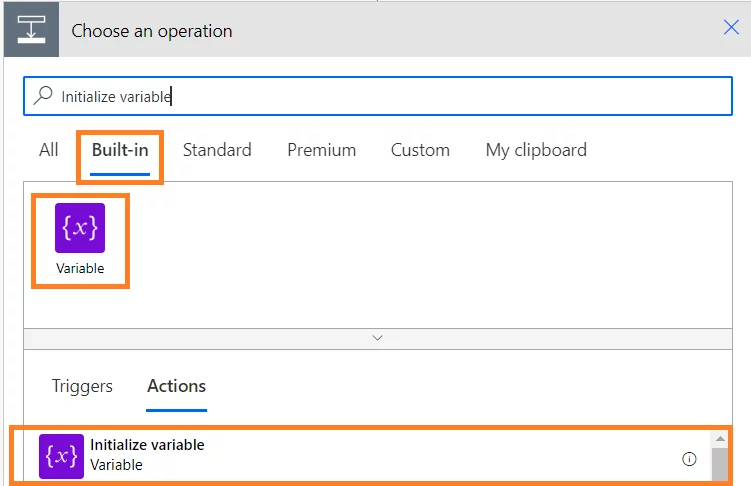
The Ultimate Guide To Using Send Email In Power Automate
Power Automate allows you to automatically send emails when certain things take place. Although not all emails can be automated, day-to-day scenarios such as reminders, notification when an event occurs, regular updates on products etc., can be automated which reduces…

How Do Until Loops Can Help You – Power Automate
There is often a need to execute certain actions or instructions repeatedly. This can be achieved by using loops in Power Automate. A loop in Power Automate is a control that can automate actions. In this article, we look in…
- Facebook: https://www.facebook.com/profile.php?id=100066814899655
- X (Twitter): https://twitter.com/AcuityTraining
- LinkedIn: https://www.linkedin.com/company/acuity-training/