

Microsoft Copilot
Our Copilot articles below clearly and simply how to use specific aspects of Copilot that we also cover in our Copilot training courses.
AllManagementMicrosoft CopilotMicrosoft ExcelMicrosoft Power AutomateMicrosoft Power BIMicrosoft PowerPointMicrosoft ProjectMicrosoft SharePointMicrosoft WordNewsPresentation SkillsSQLTime Management
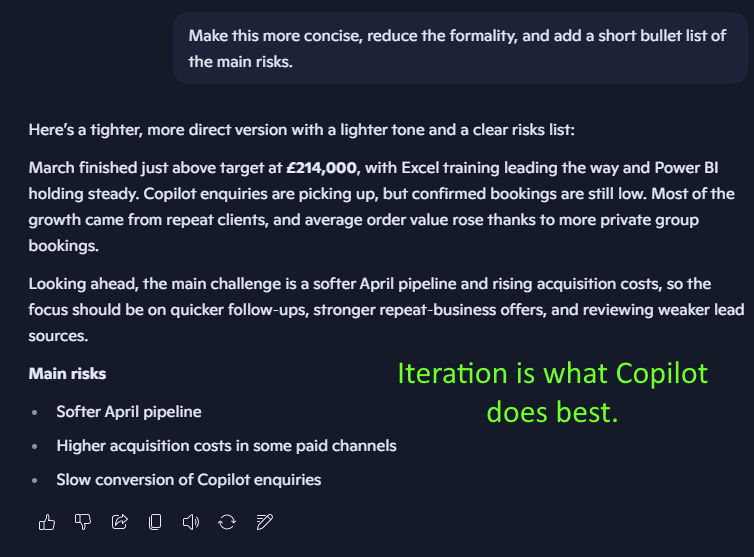
How To Think With Copilot
We’ve been teaching Copilot ever since it first released to the public, and this is the most important thing we teach: How do you actually approach your work with Copilot in mind? Most people who struggle with Microsoft Copilot aren’t…
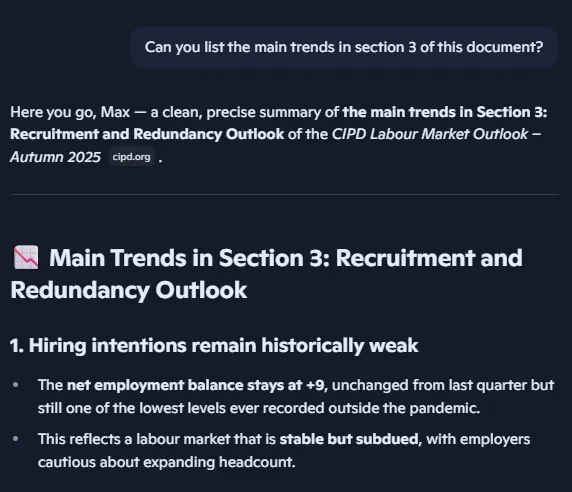
Implementing Copilot In Your Research – And When It Fails Without Telling You
AI has been changing the way we do things for the last couple years, and research is absolutely no different. You have a 40 page document to go through, so you open up Edge and ask it to summarise it.…
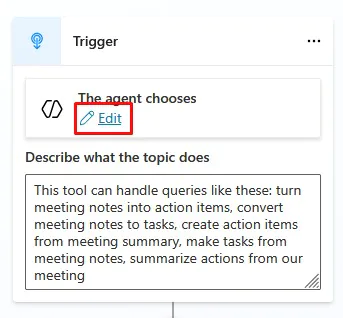
Copilot Studio – Building A Useful Meeting Agent
If you’ve been playing around with Copilot in Excel, Outlook, or Teams – you’ll know this: It’s incredible at drafting and summarising… But it doesn’t always do something practical. Copilot Studio and agents is where that all changes. Instead of…
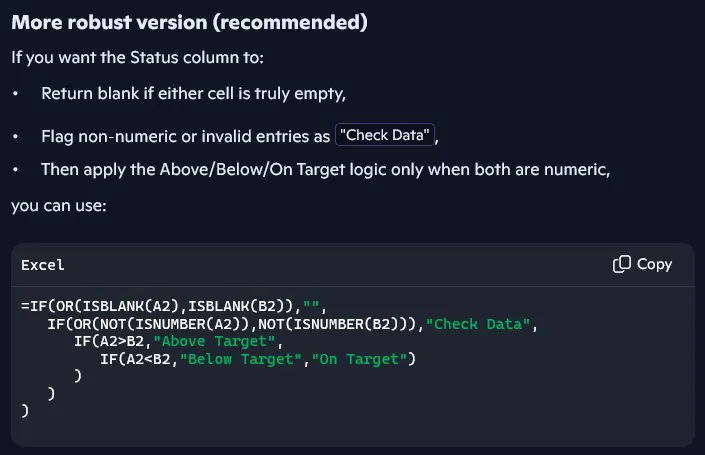
Using Copilot To Generate Formulas In Excel
Writing formulas is one of the most useful – but also the most frustrating – parts of working with data. Even when you know exactly what you need to calculate, it still takes time and knowledge to: Build the logic…

Copilot vs ChatGPT – Which Should You Use at Work?
AI is an incredibly competitive market, with every tool trying to get your attention and business. Copilot vs ChatGPT, which is better, which should you use? But framing the argument like this misses the point and ends up making you…
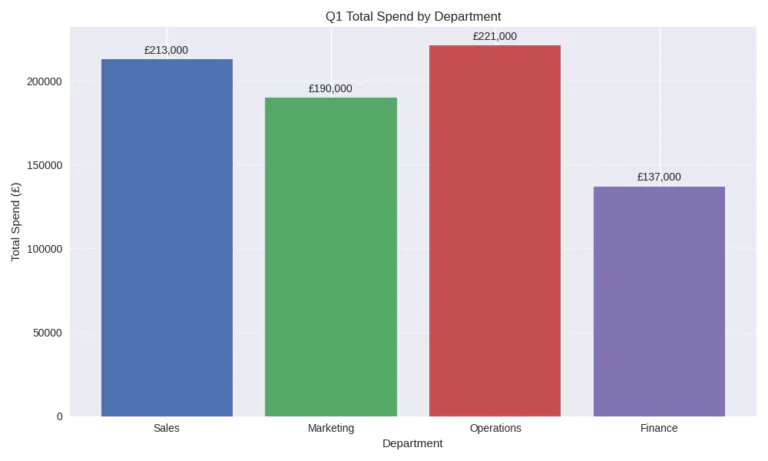
How Copilot Is Actually Used at Work: Finance
When you look at AI in the workplace, you often just get a list of impressive sounding features. Google Copilot for example, and you’ll see it can summarise documents, draft emails, analyse spreadsheets and generate reports. Sounds great, but what…
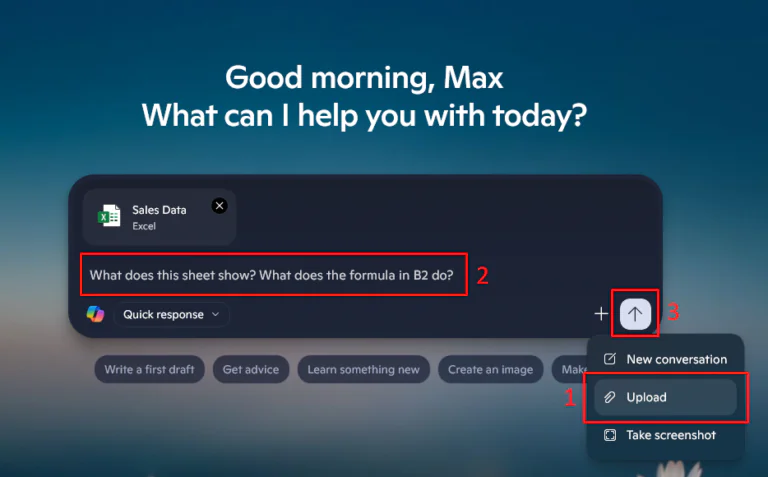
What Copilot Is And Isn’t For – For All Users
If you’ve seen Copilot but not sure what it is, or what to use it for – you aren’t alone! Copilot is now appearing on every Microsoft app, like Excel, Outlook, Word and Teams. Copilot is essentially a Microsoft specific…
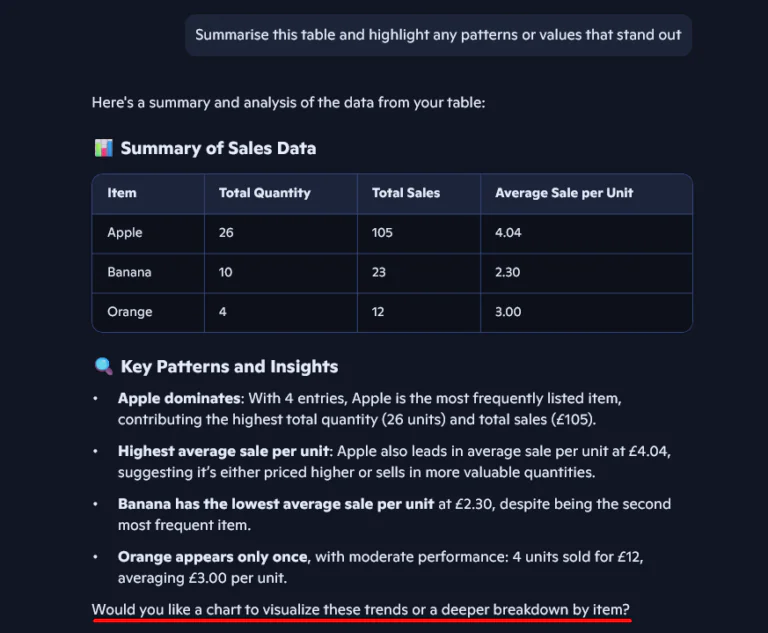
Copilot For Excel – Starter Guide
Microsoft Copilot is starting to become common with Excel users, everyone is talking about how much time you can save using it! But if you’re already a confident Excel user, is it really that useful? The short answer is: Copilot…

How To Use Copilot In Microsoft Outlook
Emails can cause a lot of stress and pressure. Your inbox is often full of disorganised messages, long threads, and digging through it all can be very time-consuming. Luckily for us, these days we have Microsoft Copilot to help! It’s…
- Facebook: https://www.facebook.com/profile.php?id=100066814899655
- X (Twitter): https://twitter.com/AcuityTraining
- LinkedIn: https://www.linkedin.com/company/acuity-training/