

Adobe InDesign
Our InDesign articles below clearly and simply how to use specific aspects of Adobe InDesign that we also cover in our InDesign training courses.
AllAdobe InDesignManagementMicrosoft CopilotMicrosoft ExcelMicrosoft Power AutomateMicrosoft Power BIMicrosoft PowerPointMicrosoft ProjectMicrosoft SharePointMicrosoft WordNewsPresentation SkillsSQLTime Management

All About The Adobe Pen Tool
The Pen Tool is very basic but a very important tool in Photoshop and InDesign. You will use the Pen Tool all the time no matter what skill level you are! Pen Options There are 4 options to choose from:…
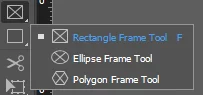
Adobe InDesign: The Frames and Shapes tool
Frames and Shapes are used to create objects that appear in your InDesign document. Frames are designed to hold graphics or text that you want to appear in your document. They are basically containers or placeholders. Shapes can also hold…
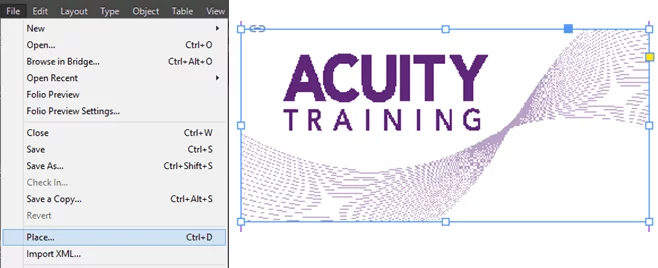
Adobe InDesign: How To Create An Interactive Button
In this InDesign tutorial, we will cover create an interactive button that will take you to a URL when it is clicked. Working with interactive buttons and the like are covered in our step-by-step InDesign training classes. Create The Base…
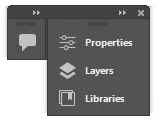
Adobe InDesign: Understanding Panels
There are so many settings in a document that you may want to access quickly. InDesign provides you with a vast number of panels that you can display in the document window. A panel will display as a group of…

10 Ways Technology Can Raise Your Creative Game
How technology and creativity brings better and more innovative opportunities for creatives. What most people fail to realize at first glance is the role of technology in the exponential growth of creative ideas. Technology has made it a lot easier…
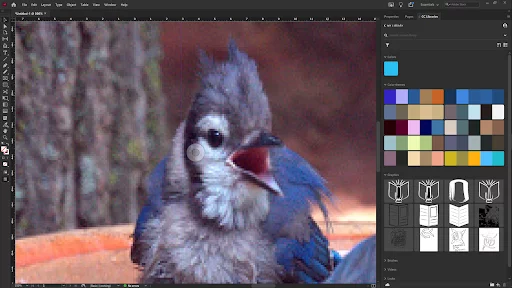
Why Are My InDesign Images Fuzzy?
When I started using InDesign, I thought something was wrong. All my images were blurry and low-res. I couldn’t understand what was going on. It turns out that this is a great feature of InDesign’s once you have learned more…

[How To Use] Adobe InDesign Spell Check
InDesign spell check works differently from the other spell checkers. InDesign is primarily a publishing tool. InDesign assumes that by the time text hits it, the text has been proofread and that it won’t contain misspelt words. Of course, this…

A Complete Guide To Page Numbering In InDesign
Page numbers help your reader and add a professional finish to your documents. InDesign makes numbering documents incredibly easy so you’ve no excuse for not using them! In this article, you’ll learn how to use InDesign to : Adding Page…
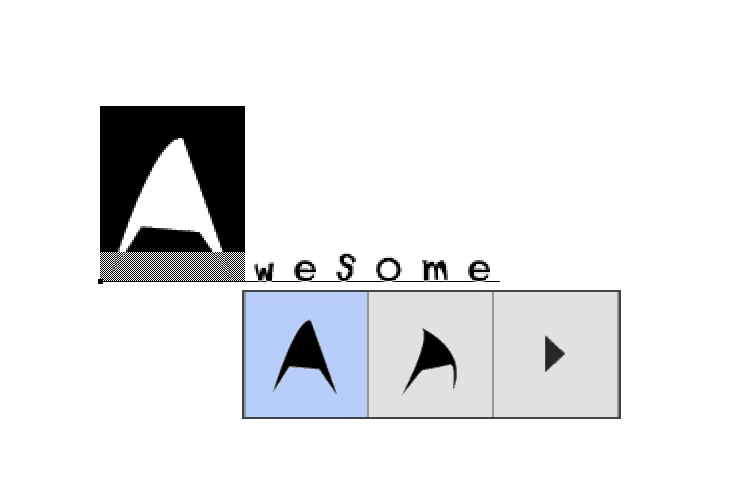
Adobe Fonts: Creating Your Own Glyphs
This is part 2 of a 4 part series. For the other parts see here: Part1, Part3, Part4. As before to follow this tutorial you will require: FontSelf Extension for Photoshop and/or Illustrator. Creating Glyph Alternates Open Photoshop and…
- Facebook: https://www.facebook.com/profile.php?id=100066814899655
- X (Twitter): https://twitter.com/AcuityTraining
- LinkedIn: https://www.linkedin.com/company/acuity-training/